



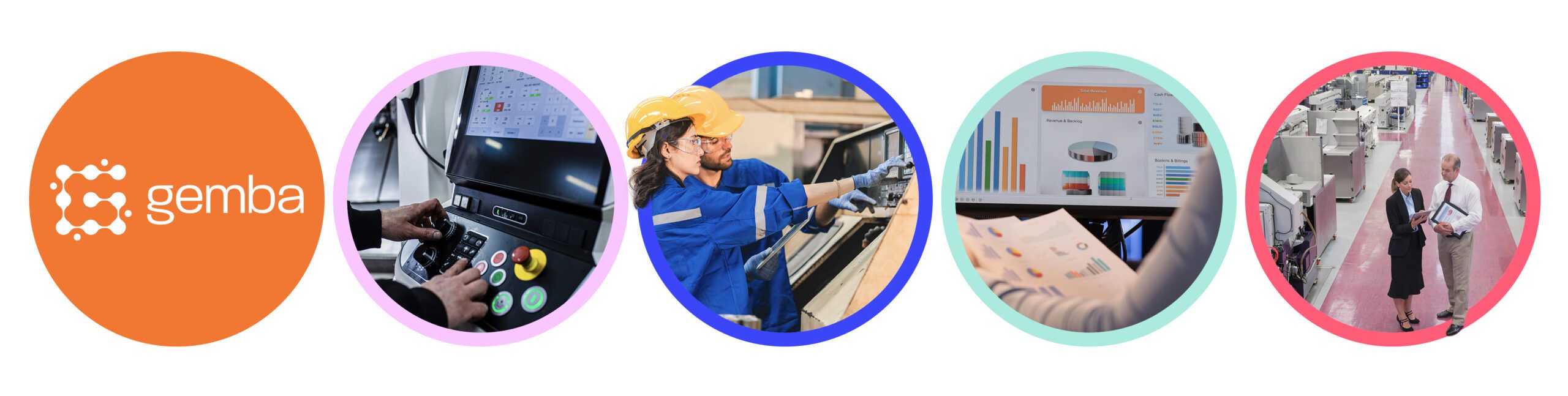
As factories adopt more systems and processes, it gets harder to keep track of what’s really happening on the shop floor. A good manufacturing dashboard helps teams stay on top of key numbers, catch problems early, and keep production on track.
Dashboards aren’t just for reporting; they’re the control panel for your factory. They help operators, team leaders and decision-makers see what’s happening in real time and where attention is needed. With the right setup, you can reduce delays, support lean practices, and spot areas for improvement faster.
What is a manufacturing dashboard?
A manufacturing dashboard is a real-time visual display of production metrics designed to convert factory data into operational insight. Typically presented on screens throughout a facility – or accessible via laptops and mobile devices – these dashboards provide clarity on everything from machine utilisation to shift output.
Dashboards help teams move from reactive firefighting to proactive decision-making by providing live access to what matters most. They are commonly used:
- On the shop floor, to monitor production progress and downtime
- In team huddles, to review shift performance and highlight issues
- At management level, to guide planning, investment and improvement strategies
Many dashboards form part of broader production monitoring efforts, ensuring data isn’t just collected but helps support day-to-day decisions.
The role of dashboards in lean manufacturing
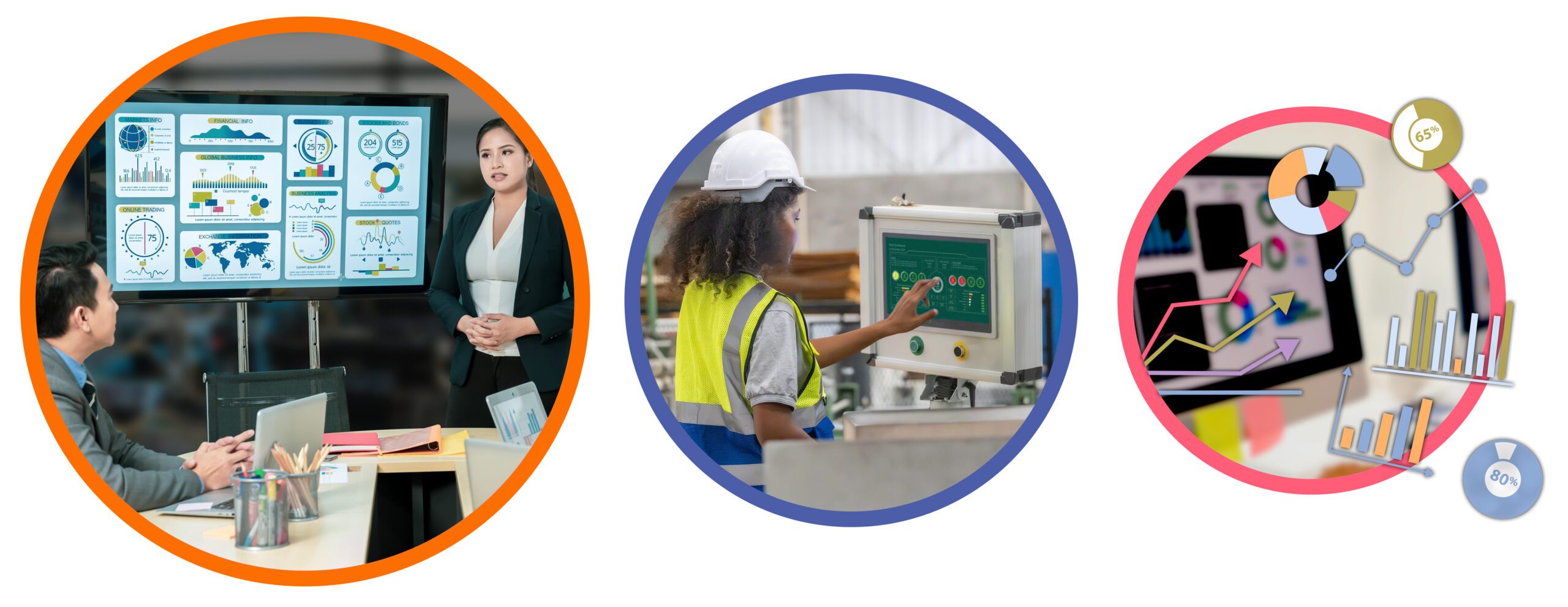
Dashboards play a critical role in lean environments by helping teams spot and eliminate waste, identify inefficiencies and standardise processes. A lean manufacturing dashboard helps teams focus on what matters most by cutting downtime, improving flow, and keeping first-pass yield high.
They also serve as a visual management tool. For example, when issues are made visible, whether through downtime alerts, missed cycle times or performance trends, teams can act quickly to correct them. This responsiveness reduces variation and supports continuous improvement cycles.
Key types of manufacturing dashboards
Different teams need different insights. While all dashboards aim to improve visibility, their focus and level of detail varies depending on the user and the purpose.
Production dashboards
A manufacturing production dashboard provides live updates on throughput, scrap, changeovers and cycle times. Operators and shift leader use these to see if production’s on track and fix issues before they become bigger problems.
They often include:
- Hourly output against targets
- Changeover durations
- Scrap quantity and reasons
- Cycle time performance
This type of dashboard promotes responsiveness and accountability at the frontline.
OEE Dashboards
A manufacturing OEE dashboard focuses on tracking Overall Equipment Effectiveness—the combination of availability, performance and quality. It’s commonly used to assess how well machines and lines are running.
Key OEE indicators include:
- Machine uptime vs planned time (availability)
- Actual vs ideal cycle time (performance)
- Good parts vs total parts (quality)
OEE dashboards are often used to track losses, identify recurring issues and inform maintenance planning.
Performance dashboards for leadership
These dashboards provide a high-level view of plant performance across key indicators. A manufacturing performance dashboard helps leadership teams assess trends, benchmark lines or sites, and guide operational strategy.
They may include:
- OEE across lines or shifts
- Cost per unit trends
- Delivery performance
- Energy or material usage
When you connect factory data to business goals, it’s easier to make smart calls on investment and resources.
What metrics should a manufacturing analytics dashboard include?

The most effective dashboards are built around the metrics that support day-to-day operations as well as long-term improvement. Below are three groups of metrics commonly included in manufacturing analytics dashboards.
Real-time metrics for frontline teams
These metrics are used to guide daily decisions and keep teams aligned with performance targets. They include:
- Machine status (running, stopped, idle)
- Downtime events and causes
- Shift output vs target
- Bottleneck identification
Tracking these metrics can also support better labour tracking, helping to match workforce deployment to production needs.
Improvement metrics
Improvement metrics help identify root causes and assess the impact of changes over time. They support lean and Six Sigma initiatives by providing a clear view of recurring issues and trends.
Examples include:
- Downtime root cause categories
- Mean time between failure (MTBF)
- Defect frequency over time
- Continuous improvement actions completed
These types of metrics are a key feature of Gemba software, which helps teams close the loop between data collection, analysis and action.
Strategic metrics
Strategic metrics link production performance with business outcomes. These are often used by plant managers and executives to track progress and guide decision-making.
They may include:
- Overall OEE
- Capacity utilisation
- Cost per unit
- On-time delivery rate
These metrics ensure that improvement activity remains aligned with business priorities.
Tools and tech powering effective dashboards

Manufacturing dashboards are only as useful as the systems behind them. The most effective dashboards are:
- Integrated with production systems (e.g. MES, PLCs, sensors)
- Customisable by user or department
- Accessible via multiple devices
- Easy to interpret and act on
Real-time OEE machine data dashboards offer flexibility, centralised updates and scalable insights across multiple sites. Choosing a system with a clear interface and simple configuration options encourages adoption and ensures teams use the data they’re given.
For manufacturers looking to enhance visibility, a modern manufacturing analytics dashboard can bring together siloed data and make it actionable.
Common dashboard mistakes to avoid
Dashboards can be powerful but only if they’re set up properly. Here’s what to watch out for:
Tracking too many KPIs
Cramming in too many metrics distracts from what matters. A focused dashboard highlights key figures relevant to the user’s role and goals.
Poor visual hierarchy
If users can’t quickly understand the layout, they won’t use it. Dashboards should guide the eye with clear formatting, grouped metrics and consistent colours.
Lack of team training
Teams need to know what the data means and what to do with it or the dashboard becomes just another screen.
Siloed data
Disjointed systems produce an incomplete view. A balanced scorecard, a dashboard with a holistic view of performance, combines data from all relevant sources for an accurate picture.
Inflexible layouts
Non-configurable, template-based layouts rarely work. The one-size-fits-all layout doesn’t offer enough flexibility. Instead, dashboards should adapt to different roles—operators need live data, while managers need trends and context.
Avoiding these issues starts with understanding who the dashboard is for, what decisions they need to make and how data can support those decisions.
Turning manufacturing data into day-to-day decisions
Dashboards aren’t just for reporting; they’re part of how modern factories run day-to-day. Whether tracking live output on the shop floor or reviewing OEE across sites, the right dashboards turn data into visibility, visibility into decisions and decisions into action.
When used well, dashboards help teams respond faster, waste less, and stay aligned with bigger business goals.
If your current dashboard setup lacks flexibility, clarity or real-time insight, now is the time to assess what could be improved. Gemba Solutions works with manufacturers to develop smarter, leaner dashboards that drive performance at every level.
Want to see how Gemba dashboards work in practice? Start a conversation.